HP Partner — Laser Print Point is an authorized HP service partner

Printer Repairs for Homes & Businesses: Reliable, Fast & At Your Door

Printer broken down? No worries. Laser Print Point sends certified technicians directly to your home or office to physically repair your printer on-site — no packing, no shipping, no waiting weeks.

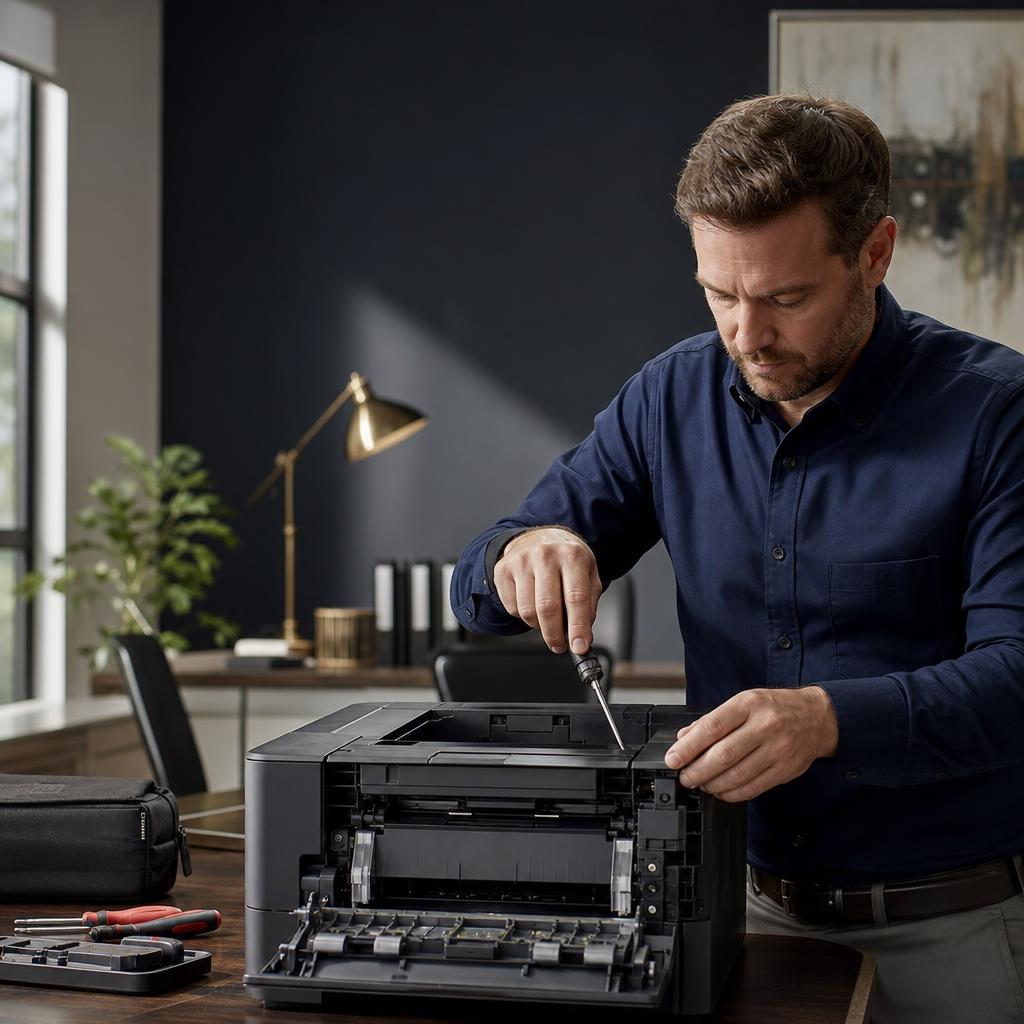
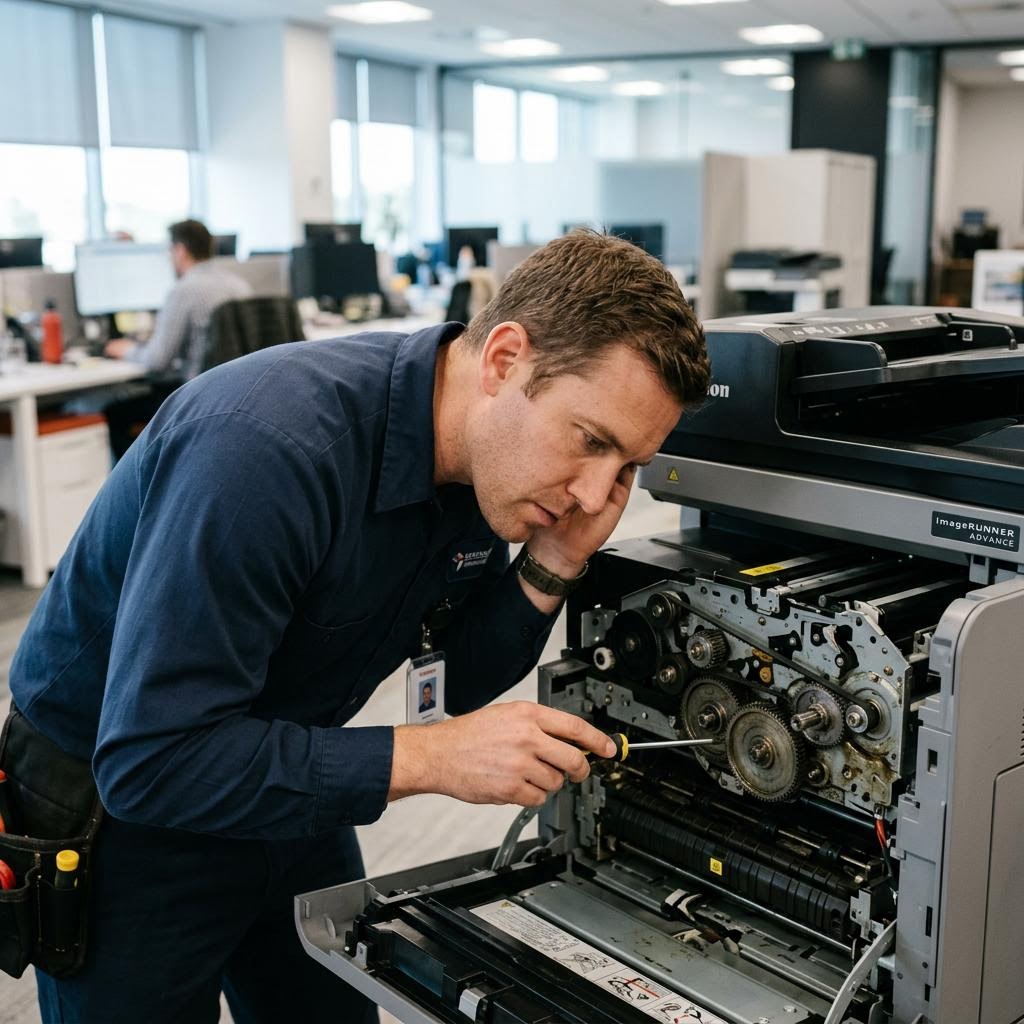
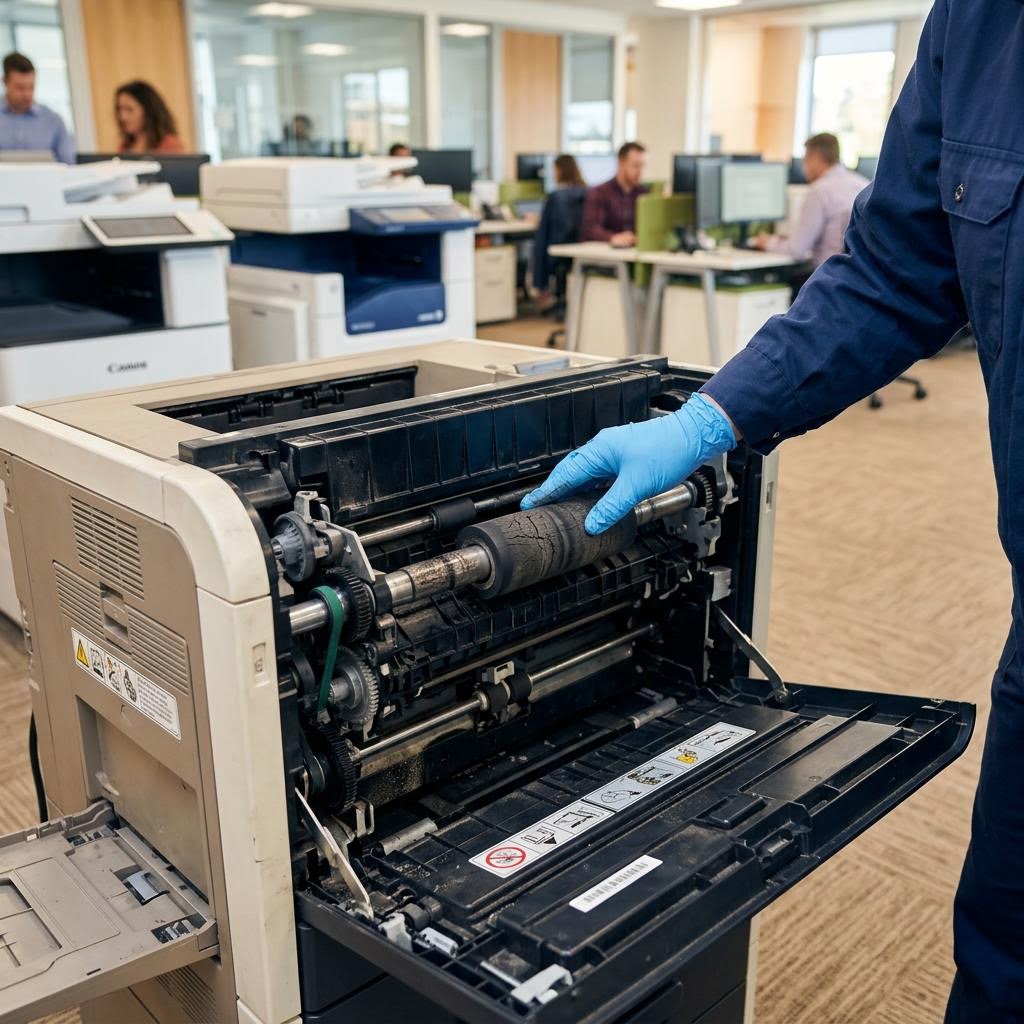
Technician repairing an HP printer on-site

Trusted by Homes & Offices

Certified
Repair Technicians
On-Site
Repairs at Your Location
Flexible
Appointment Scheduling
Upfront
Flat-Rate Pricing
Why Laser Print Point

Where Your Printer Gets Expert Care

Every repair visit is handled by a real technician with the right parts and the training to use them.

Expert Repair Technicians

Manufacturer-certified training on laser, inkjet, and multifunction printers — we fix the cause, not the symptom.

We Come to You

Repairs happen at your home or office. No pickup, no shipping, no risk to your equipment in transit.

Data Security & Privacy

Your printer never leaves your sight. Stored print jobs, scans, and network settings stay under your roof.

Fixed Right, Tested On-Site

We run test prints before we leave. If it's not working, we're not done — simple as that.

How It Works

How Our On-Site Repair Service Works

Three simple steps from "it's broken" to test page printed.

01

Diagnose Your Printer

Tell us the symptoms when you book. Our technician arrives at your home or office and pinpoints the real cause — not just the error message.

02

Repair or Replace Parts

We bring genuine manufacturer parts for your exact model — rollers, fusers, belts, drums — and replace what's worn, right there.

03

Tested Before We Leave

Test prints, scans, and network checks run on the spot. You watch it work before the technician walks out the door.

Common Problems

Common Printer Issues We Fix On-Site

Printers are built for reliability, but technical issues can grind your work to a halt. Laser Print Point sends certified technicians to your home or office to fix them quickly.

Printer Printing Problems

When your printer won't print even though it's turned on, the cause can range from outdated drivers and stuck print queues to hardware faults. Our technician inspects it at your location and gets it printing again.

Schedule an Appointment

Paper Jam Problems

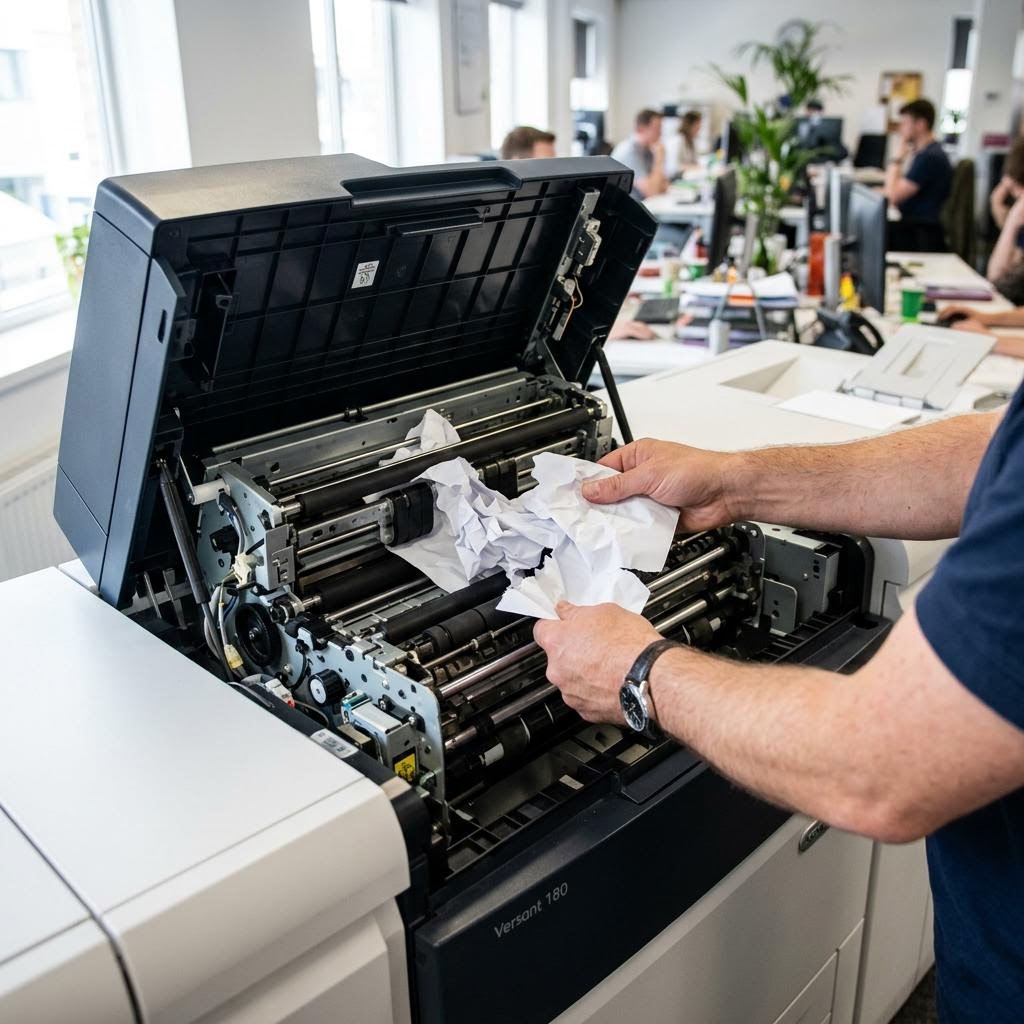
Frequent paper jams usually come from worn rollers, misaligned trays, or damaged paper sensors. We replace the worn parts on-site so the jams stop for good instead of coming back next week.

Schedule an Appointment

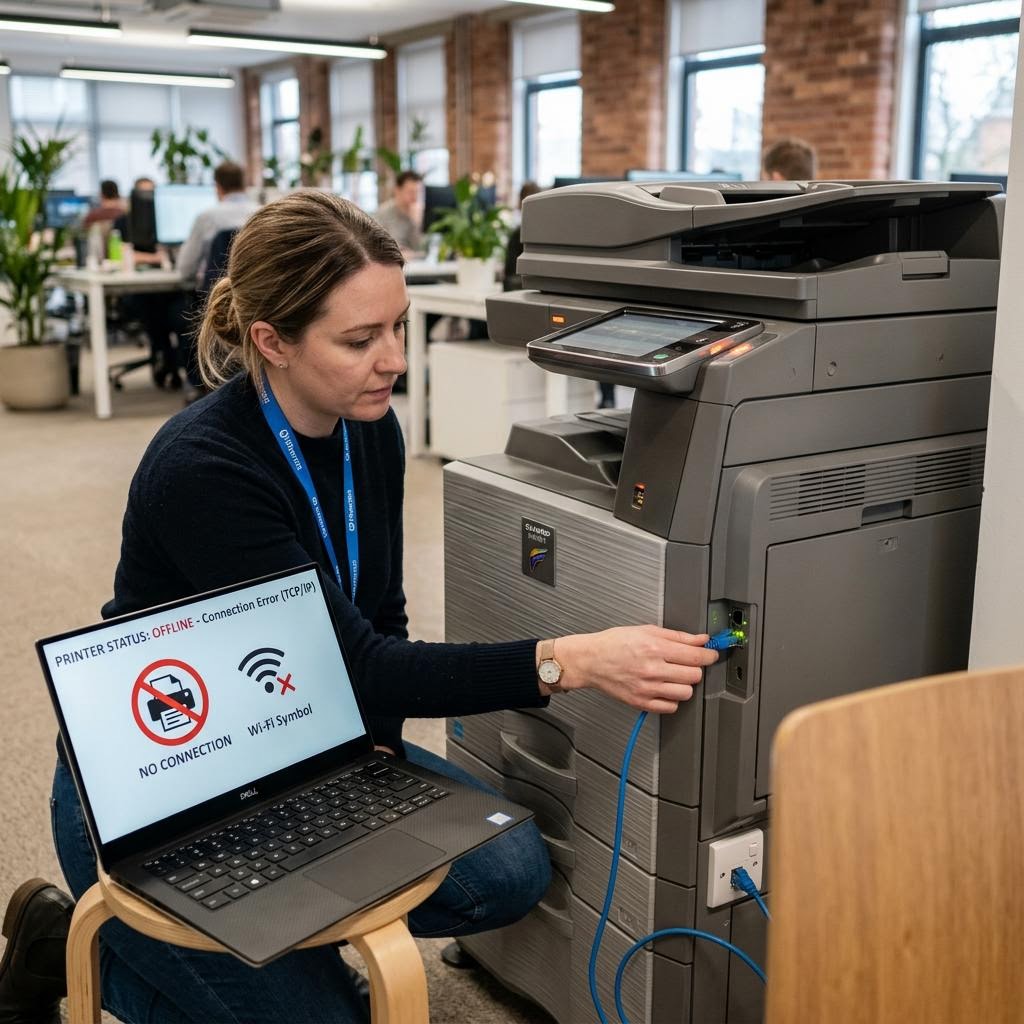
Printer Not Responding

A printer that stops responding usually has a hardware fault — a failing control board, worn sensors, or damaged internal components. We repair or replace the faulty parts at your home or office.

Schedule an Appointment

Grinding or Clicking Noises

Grinding, clicking, or squealing sounds mean gears or drive assemblies are wearing out. We open the printer at your location and replace the worn mechanical parts before they cause a full breakdown.

Schedule an Appointment

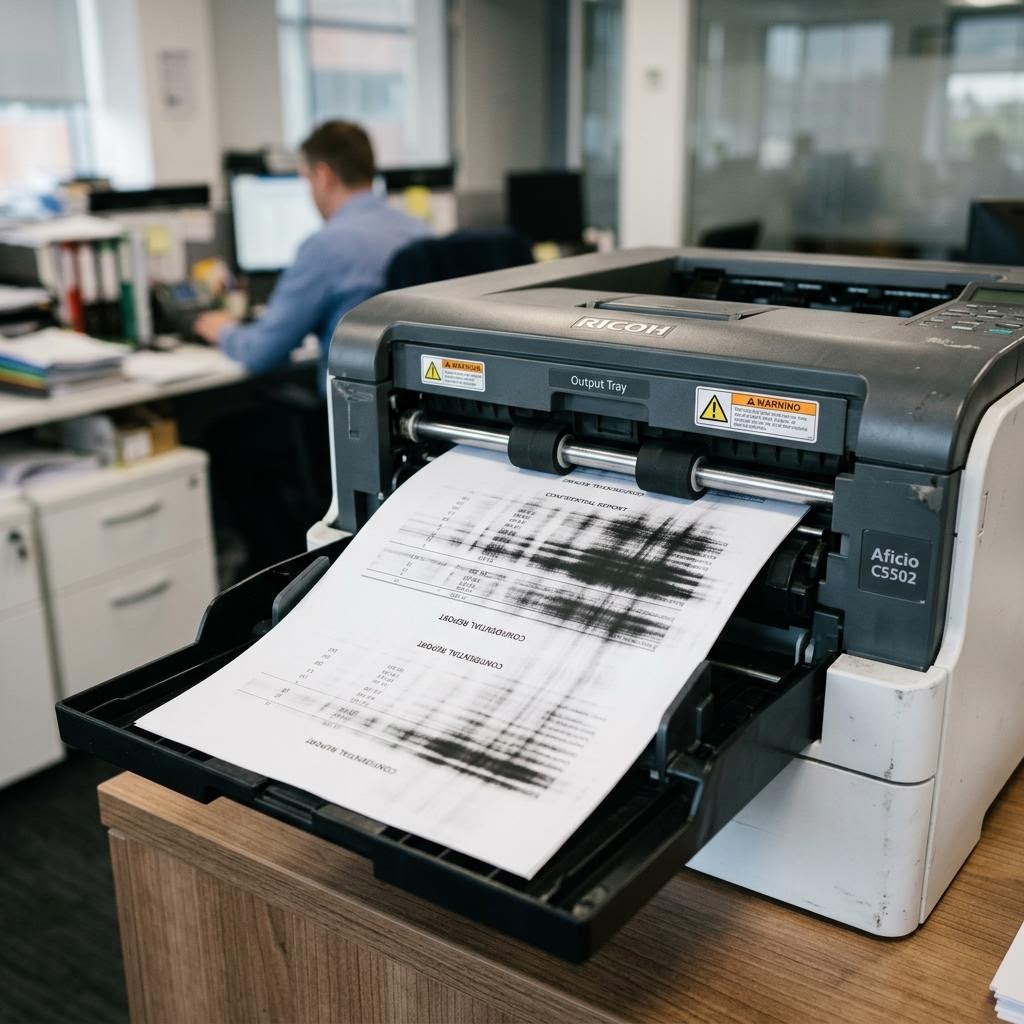
Poor Print Quality

Faded text, streaky images, smudges, blurred pictures, missing colors, or uneven pages — we identify whether it's the fuser, drum, heads, or supplies, and fix it with genuine parts.

Schedule an Appointment

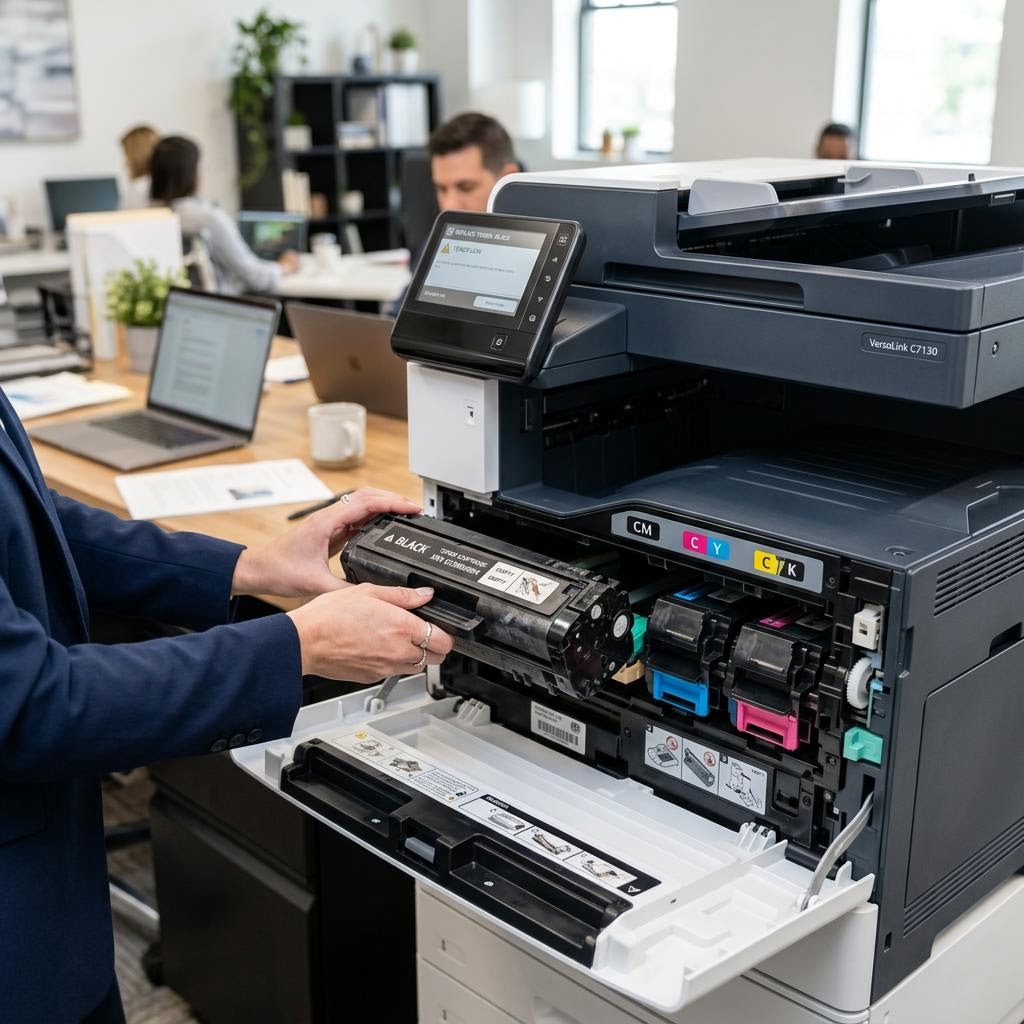
Ink Cartridge & Toner Issues

Cartridge-recognition errors, low-ink warnings that won't clear, and toner compatibility problems can stop a healthy printer cold. We diagnose and resolve them right at your desk.

Schedule an Appointment
Common Problems

Printer Problems We Fix Every Day

Sound familiar? Schedule a visit and we'll take care of it at your location.

Constant Paper Jams
ID: ERR-01
Constant Paper Jams
Streaks & Smudged Prints
ID: ERR-02
Streaks & Smudged Prints
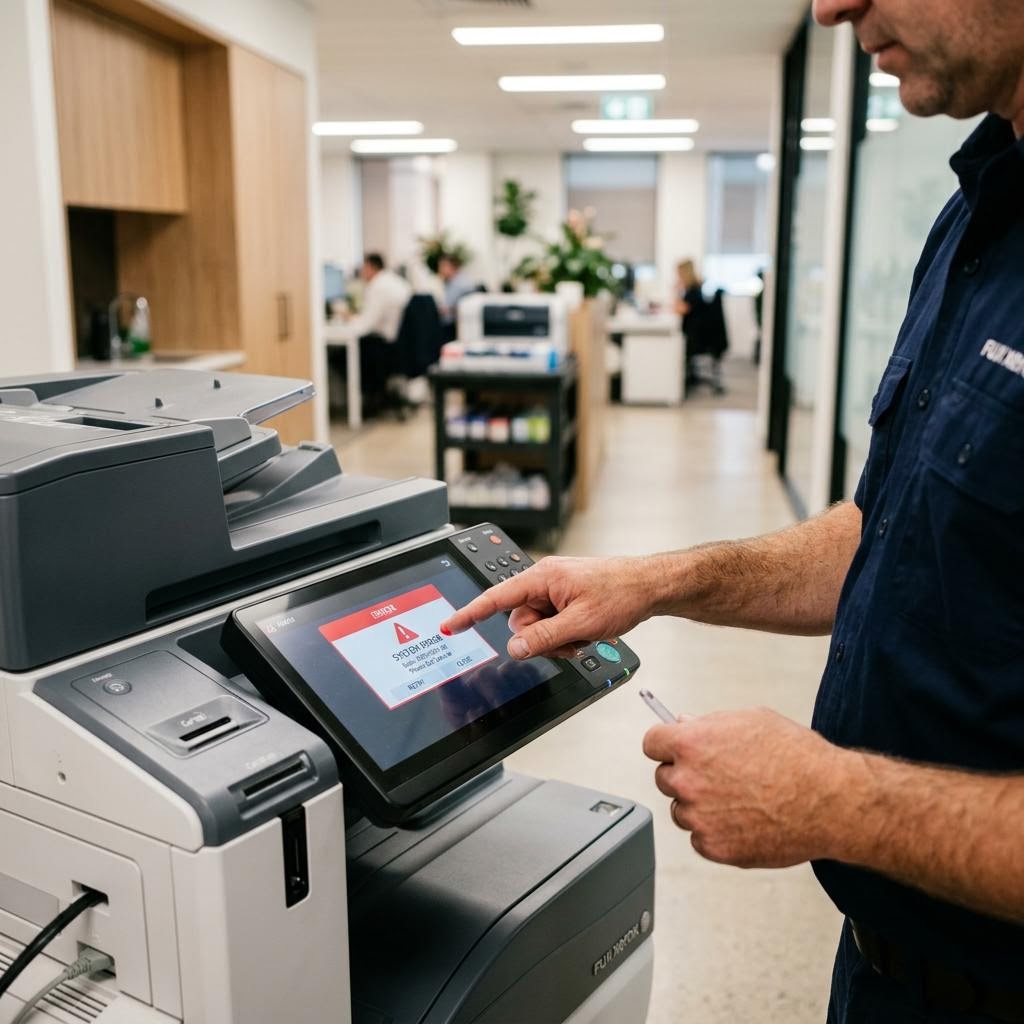
Error Codes on Display
ID: ERR-03
Error Codes on Display
Printer Not Responding
ID: ERR-04
Printer Not Responding
Toner & Cartridge Errors
ID: ERR-05
Toner & Cartridge Errors
Slow Printing
ID: ERR-06
Slow Printing
Faded or Wrong Colors
ID: ERR-07
Faded or Wrong Colors
Printer Won't Grab Paper
ID: ERR-08
Printer Won't Grab Paper
Worn Internal Components
ID: ERR-09
Worn Internal Components
Grinding or Clicking Noises
ID: ERR-10
Grinding or Clicking Noises
Constant Paper Jams
ID: ERR-01
Constant Paper Jams
Streaks & Smudged Prints
ID: ERR-02
Streaks & Smudged Prints
Error Codes on Display
ID: ERR-03
Error Codes on Display
Printer Not Responding
ID: ERR-04
Printer Not Responding
Toner & Cartridge Errors
ID: ERR-05
Toner & Cartridge Errors
Slow Printing
ID: ERR-06
Slow Printing
Faded or Wrong Colors
ID: ERR-07
Faded or Wrong Colors
Printer Won't Grab Paper
ID: ERR-08
Printer Won't Grab Paper
Worn Internal Components
ID: ERR-09
Worn Internal Components
Grinding or Clicking Noises
ID: ERR-10
Grinding or Clicking Noises
Constant Paper Jams
ID: ERR-01
Constant Paper Jams
Streaks & Smudged Prints
ID: ERR-02
Streaks & Smudged Prints
Error Codes on Display
ID: ERR-03
Error Codes on Display
Printer Not Responding
ID: ERR-04
Printer Not Responding
Toner & Cartridge Errors
ID: ERR-05
Toner & Cartridge Errors
Slow Printing
ID: ERR-06
Slow Printing
Faded or Wrong Colors
ID: ERR-07
Faded or Wrong Colors
Printer Won't Grab Paper
ID: ERR-08
Printer Won't Grab Paper
Worn Internal Components
ID: ERR-09
Worn Internal Components
Grinding or Clicking Noises
ID: ERR-10
Grinding or Clicking Noises
The Laser Print Point Difference

Why Choose Laser Print Point Over the Others?

Most repair services make you box up your printer and wait weeks. We do the opposite.

  • On-site, not mail-in — the technician comes to your location and fixes the printer where it sits.
  • Genuine parts only — manufacturer parts matched to your model, so the repair lasts.
  • Upfront flat-rate pricing — you know the cost before the work starts. No surprise line items.
  • Real technicians, no call centers — you talk to the people who actually fix printers.
  • Authorized HP partner — with experience across Canon, Epson, Brother, Lexmark, and Xerox too.
Schedule an Appointment
Technician replacing printer parts on-site

Get Your Printer Back to Perfect Working Condition

Schedule a visit and a certified technician will repair your printer at your home or office.

FAQ

Frequently Asked Questions

How long does an on-site printer repair take?

Most repairs are finished in a single visit. Because you describe the symptoms when booking, our technician arrives with the likely parts for your exact model. Complex repairs may occasionally need a follow-up visit with a special-order part.

Do I need to ship or drop off my printer?

No — that's the point of Laser Print Point. Our technician comes to your home or office and repairs the printer where it sits. No packing, no shipping costs, no transit damage.

Which printer brands and types do you repair?

We repair HP (as an authorized HP partner), Canon, Epson, Brother, Lexmark, and Xerox machines — laser and inkjet, single-function and multifunction, home printers through office copiers and wide-format plotters.

What if my printer can't be repaired?

If the technician determines a repair isn't economical, we'll tell you honestly on the spot and help you choose a suitable replacement — and we can set up the new printer for you.

Do you use genuine manufacturer parts?

Yes. We install genuine manufacturer parts — fusers, rollers, belts, drums, and maintenance kits — matched to your exact model so the repair lasts.

Can you fix paper jams and WiFi printers that stopped working?

Yes, both are among our most common repairs. Recurring paper jams usually mean worn rollers or a damaged paper path, which we replace on-site. A WiFi printer that stops working usually has a hardware fault — we repair the physical components so it prints reliably again.

Is my data safe during the repair?

Safer than any mail-in service — your printer never leaves your location. Stored print jobs, scan history, and network settings stay under your control the entire time.

Do you service businesses with multiple printers?

Yes. We offer ongoing business printer care and service plans with priority scheduling and regular maintenance visits across all your locations.